
What Is the Cloud, and What Does It Actually Do for Small Business?

Choosing the right tools at the start saves you the pain of migrating two years later.
SC Network Solutions sees that migration is one of the most frustrating, time-consuming moves a business can make. “The cloud” is one of the most overused phrases in business technology. Most small business owners make decisions about it without ever getting a straight answer about what it actually involves. What is the cloud for small business? This post breaks it down.
What the Cloud Actually Is
Before the cloud, every business ran its own equipment. Your email lived on a server in the back room. Your files lived on a hard drive in the building. If that equipment failed, your data went with it.
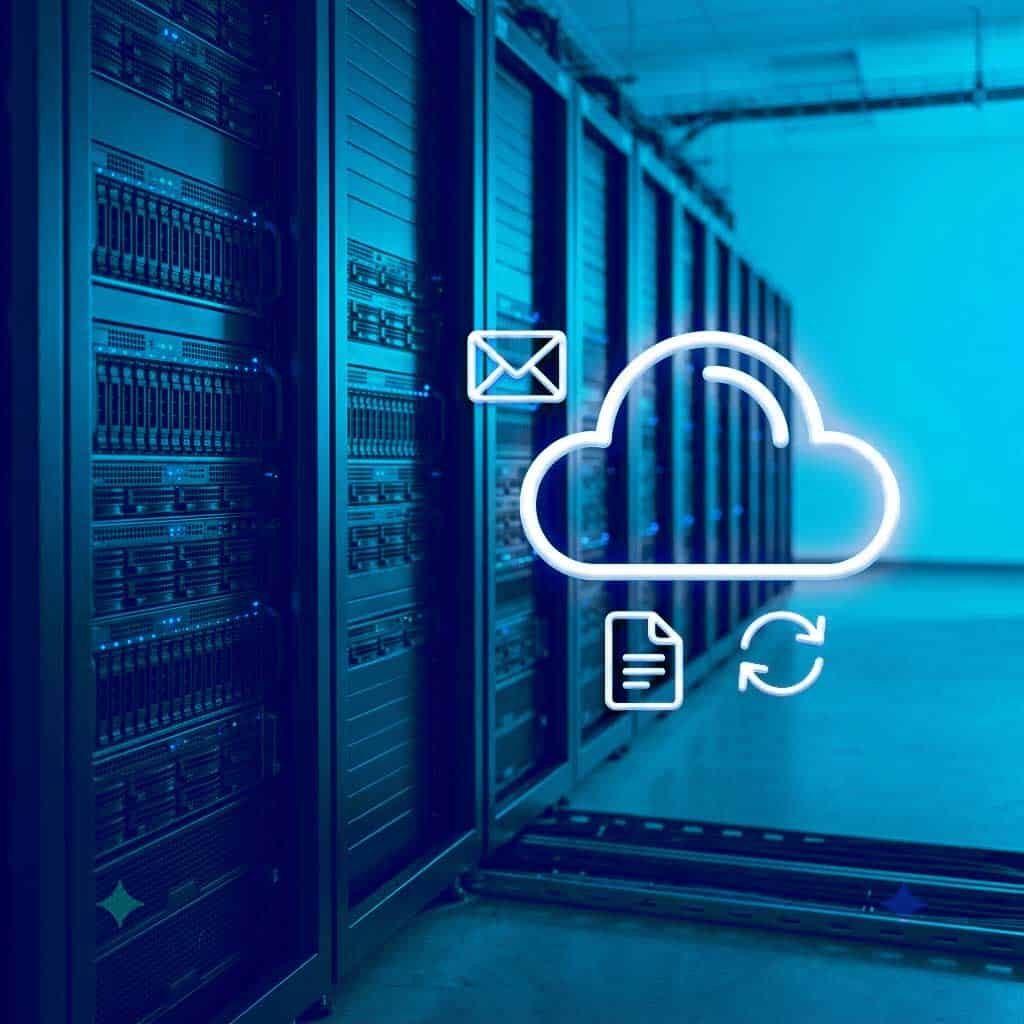
The cloud moves that same stuff off your hardware and onto someone else’s. Your email, your files, your software, your backups. Instead of sitting in your office, they run in a secure facility somewhere else and you access them over the internet. That’s it. That’s the whole idea.
What Actually Moves
So, what is the cloud for small business? The cloud shows up in a few specific ways.
Why Businesses Make the Move
Flexibility, reliability, and cost. You stop replacing aging hardware. Your team can work from anywhere. Your data doesn’t disappear if something happens to the building.
But moving to the cloud the wrong way creates its own problems. Misconfigured settings leave your data exposed. The provider secures the building, but securing what you put inside it is still your job, not theirs. Federal cybersecurity agencies (CISA and NSA) rank misconfiguration among the most common ways organizations get breached, even at companies with mature security teams. Licensing costs surprise you after you’ve already committed. And if the company that set it up disappears once the project is done, you’re left managing something you didn’t build and don’t fully understand.
Not All Cloud Services Are the Same
For businesses just starting out, cloud solutions often make immediate sense. Lower upfront costs, no hardware to maintain, and access to tools that would have been out of reach a few years ago. For a lot of small businesses, that alone justifies the move.
But cloud services vary significantly in how they’re structured, what they cost as you grow, and how much flexibility they leave you. A solution that’s affordable at five employees may become expensive or restrictive at twenty-five. Choosing one that scales with your business, rather than one you’ll need to migrate away from later, matters more than most people realize at the start.
Get a Straight Answer on the Cloud
SC Network Solutions helps businesses weigh your cloud options before committing to anything. We explain the differences between services in plain terms, match the right tools to where your business is today, and plan for where it’s headed. The goal is to make sure you’re not paying to undo a decision two years from now.