

Why Your Company’s Email Is Landing in Spam

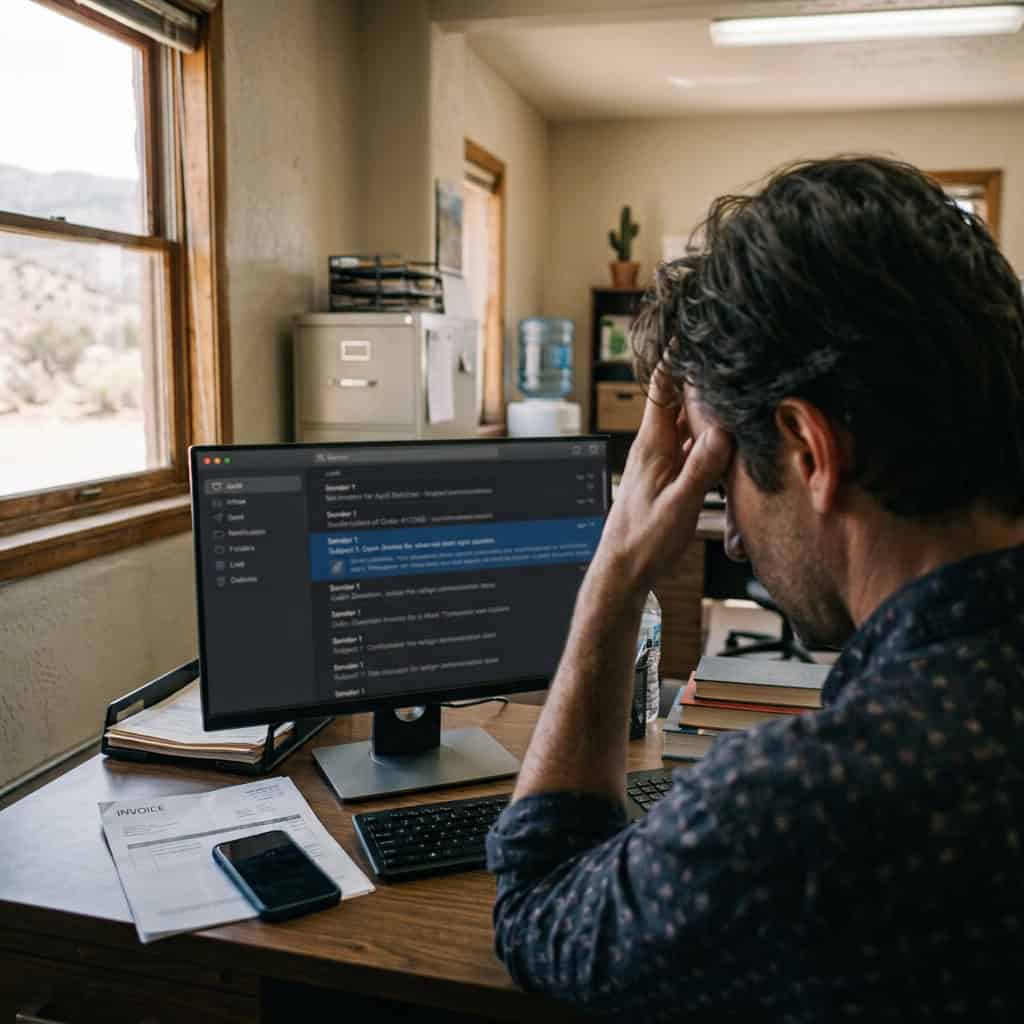
Customers say they never got your invoice.
Your company’s email is landing in spam. Invoices, quotes, appointment reminders. Customers swear none of it showed up, and you know you sent them. One common cause has nothing to do with what you wrote. The email service on the other end can’t confirm the message really came from you, so it plays it safe and treats it as suspect.
Three settings fix that. Knowing them helps you ask the right questions, but this isn’t a setup guide. These settings touch every email your company sends, so consult an information technology (IT) provider before changing them. Here’s what each one does.
If you’re on Microsoft 365 or Google Workspace, you might assume this is handled. Mostly it isn’t. Your email provider supplies the tools, but someone still has to publish the records and turn them on. Get them wrong and more of your email fails, not less. This article explains how your Domain Name System (DNS) settings and email work together, and what to do when they don’t.
Who Decides Whether Your Business Emails Go to Spam
Not you. The service on the receiving end does.
When you hit send, your email doesn’t go straight to your customer. Gmail, Outlook, or whatever they use looks at it first and decides: inbox, spam, or rejected. To make that call, they need to know the message is really from you. Google, Yahoo, and Microsoft have each tightened the rules on how they check. That’s why email that went through fine for years can start landing in spam with nothing changed on your end.
If your domain can’t prove the email is yours, spam is their safest call, no matter how legitimate the message is. SPF, DKIM, and DMARC are how your domain proves it.
SPF Checks Who Can Send for You
SPF is a list of every mail service allowed to send email as your company. You publish it in your DNS settings, the public record of how your domain works. Inbox providers check each message against it. If the sender is on the list, it passes. If not, it fails.
Think of a guest list at the door. Your domain is the venue, and anyone not on the list gets turned away.
Here’s what one looks like:
v=spf1 include:_spf.google.com include:othersender.com -all
That says Google can send as you, so can this other service, and treat everyone else as unauthorized. SPF can’t catch an attacker who gets into an approved service. It does catch servers not on the list, but it checks a behind-the-scenes return address, not the From line your customers see. DMARC closes that gap.
DKIM Checks Whether the Message Changed
Where SPF checks who sent the email, DKIM checks whether it was altered on the way. Your email system signs every outgoing message with a private key. The inbox provider checks that signature against your public key in DNS. If someone changed a link or a dollar amount, the check fails.
It works like the seal on a package. If the seal is intact, the contents are what the sender shipped.
DMARC Decides What Happens When a Message Fails
DMARC ties SPF and DKIM together and tells inbox providers what to do when a message fails:
Here’s a sample record:
v=DMARC1; p=none; rua=mailto:dmarc-reports@yourdomain.com
That says check SPF and DKIM, deliver everything for now, and send reports to this address. Those reports show every service sending email as your company, including anyone trying to impersonate you or unconfigured marketing platforms.
How the Three Work Together (and Stop Someone Spoofing You)
The setup that gets your real email delivered also makes it harder for anyone to fake it. Each one has blind spots on its own. Together they close the gaps:
Who Should Handle This Setup
Most businesses should hand this to their IT provider or managed service provider (MSP). One wrong character in these DNS records can make every outgoing email fail. A good provider inventories everything that sends as your company, including invoicing, customer relationship management (CRM) software, and newsletters. Then they test before enforcing anything, move you from none to quarantine to reject in stages, and keep reading the reports afterward.
Find Out Where Your Domain Stands
Free tools like MXToolbox will check your domain for you. Type your domain into its SPF and DMARC lookups. If either comes back with no record found, your domain can’t fully prove its email is yours. A record that exists can still miss a service that sends as you, so if your provider can’t explain what yours say, take them to us.
Get Your Email Out of the Spam Folder
Get a free SC Network Solutions Risk Assessment and find out whether your domain is protected or exposed.