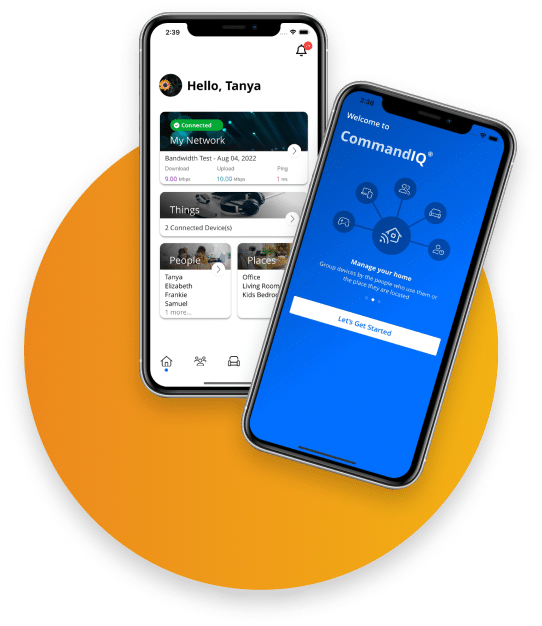

See ExperienceIQ in Action
Kids are one part of the picture. ExperienceIQ also handles the work laptop, screen time at dinner, and what each device is allowed to reach.
Already an SC Broadband customer? Activation takes one tap in the CommandIQ app.
Parental controls and household WiFi rules for every device. All run from one app.
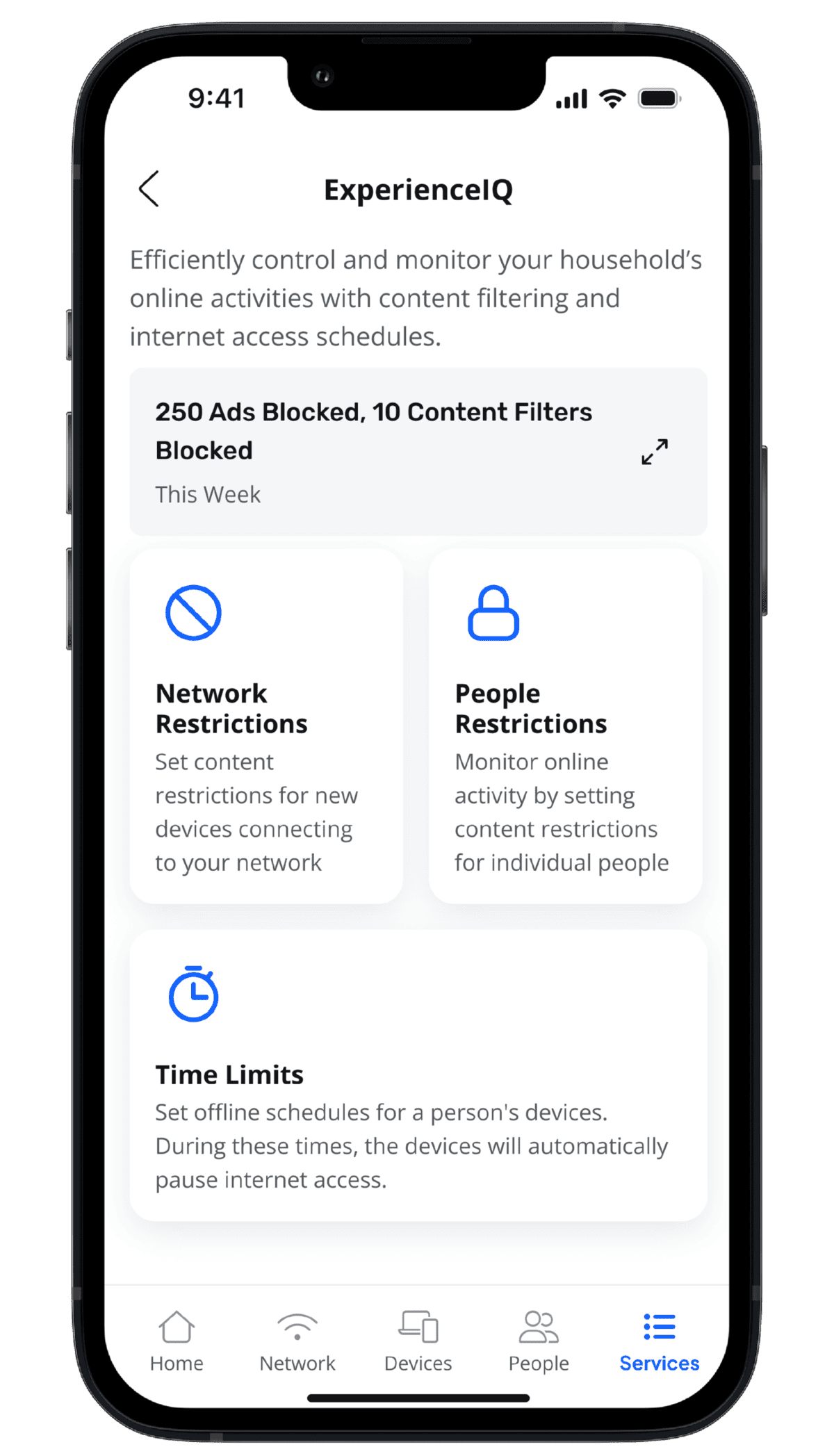
Set internet schedules and off-times per person, not one switch for the whole house. Pause a profile during homework, set a bedtime, or cut the WiFi at dinner. The router keeps the schedule for you.
Block dangerous or distracting sites and apps by category, single site, or app. Turn on Safe Search. Apply the rules per profile, per device, or to the whole house, all from the router.
Give each person a profile and assign their devices. See usage history, pause anyone’s internet on the spot, and the rules you set follow that person across every device they use.
Your Network. Your Rules.
ExperienceIQ runs inside your network. Give every person a profile, set schedules for their devices, filter what they can reach, and pause the WiFi when you need to. ProtectIQ stops threats from outside. ExperienceIQ sets the rules inside.
Common questions about ExperienceIQ parental controls.
Does it work on every device?
Yes. ExperienceIQ runs at the router, so the rules apply to anything on your network: phones, tablets, consoles, smart TVs, and computers, on WiFi or Ethernet. You assign each device to a person’s profile in the CommandIQ app.
Can my kid get around it?
ExperienceIQ runs at the router, not on the device. There’s no app to uninstall, no setting to change on the phone, and switching browsers doesn’t help. The router controls what passes through.
Is this only for households with kids?
No. Plenty of adults use it to mute distractions during work hours, set a bedtime for the whole network, or keep a clean profile on a shared device. Kids are one use, not the only one.
What can SC Broadband see?
ExperienceIQ enforces the rules you set. We don’t monitor, store, or sell your browsing data. The usage history and profiles live in your CommandIQ app, set by you and visible to you.
I already use the controls built into the phone. Why add this?
Phone and app controls only cover that one device, and a tech-savvy kid can often switch them off. ExperienceIQ sets the rules at the router, so they apply to every device at once and cannot be turned off from the device itself.
I’m already a customer. How do I turn it on?
Open the CommandIQ app, tap the ExperienceIQ tile, and follow the prompts. The charge is added to your next bill. Or call 435.263.0000, and we’ll handle it.
Add ExperienceIQ to Your SC Broadband WiFi
Household rules for every device run from one app. Already an SC Broadband customer? Activation is one tap in the CommandIQ app. New to SC Broadband? Add it when you sign up.
Local support, real people, no contracts, no surprises on your bill. Questions? Call 435.263.0000.